
Show all the questions together
Choose the classic layout when a client needs to scan the full form and fill in several related details.
Ask for the event date, venue and client details in an inquiry form, then use questionnaires to prepare for the booking. Choose a classic layout or guide clients through one question at a time.
Forms
Preview the inquiry form a question at a time, switch to one page, restyle it with a theme and publish the change to your website.
Explore forms & questionnaires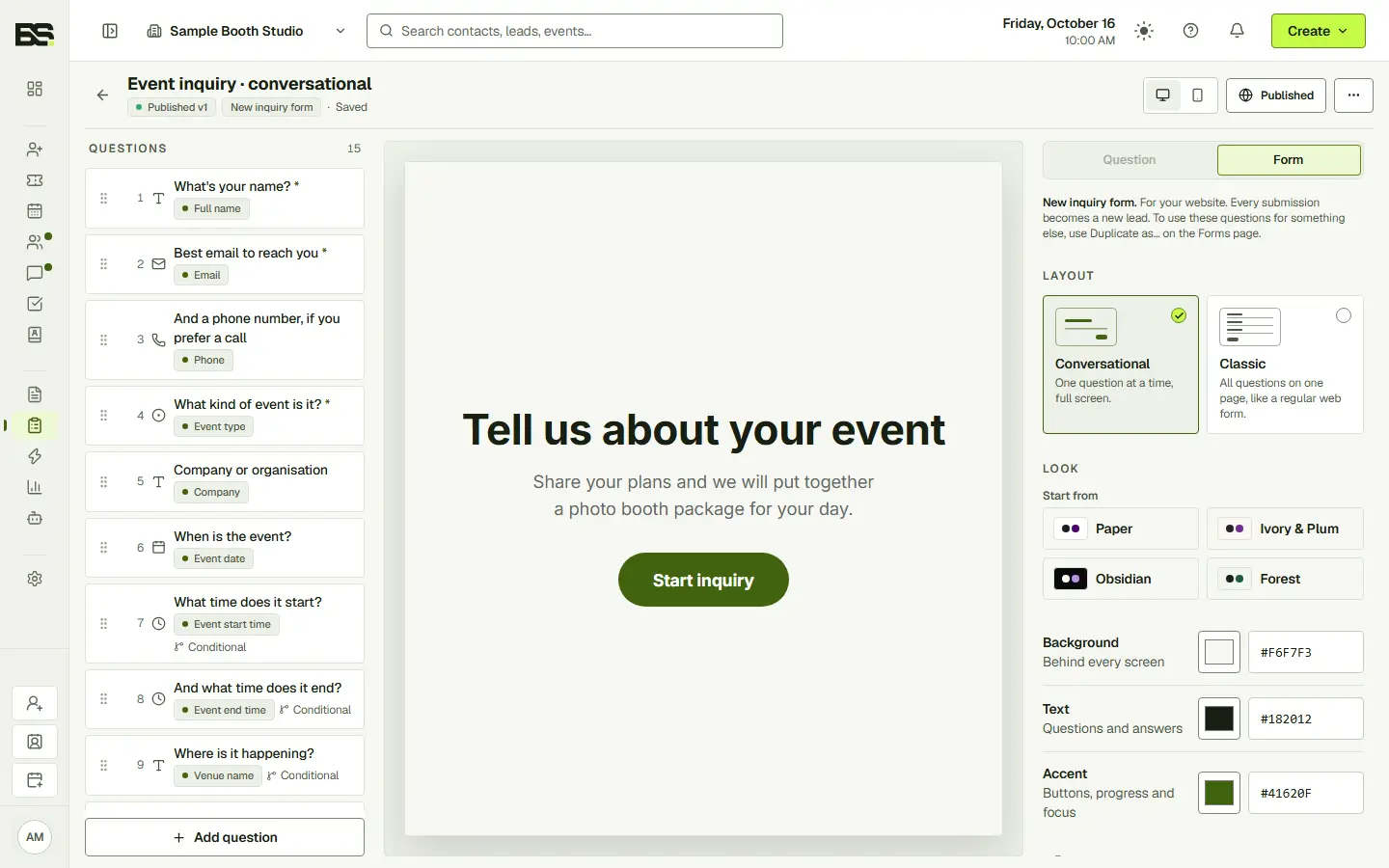
Sophie's inquiry came through this form.
Collect the basics before preparing a quote. Once the event is booked, use a questionnaire for the venue and service details your team needs to plan the day.
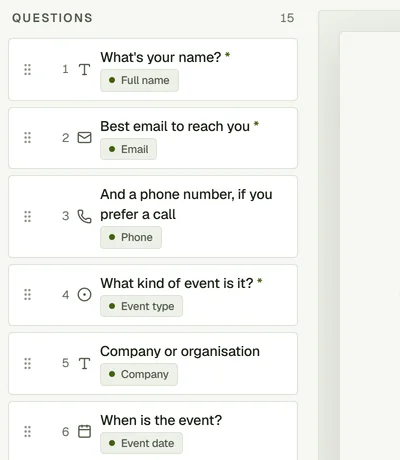
Choose the classic layout when a client needs to scan the full form and fill in several related details.
Choose conversational mode for a focused, step-by-step experience. Keep the questions and presentation aligned with your business.
Use the same builder to edit questions and appearance, switch the presentation and preview what the client will see.
Yes. Classic and conversational form layouts are included in the Forms module on every plan.
Yes. Use questionnaires to collect the information needed to prepare for an event.
Yes. Review the form in the builder and preview its presentation before putting it in front of a client.
Start with the full CRM. Choose the seats, storage and communication allowances your team needs.