
Schedule each day and session
Give each event day its own run times. Add a break between sessions and keep the run sheet with the booking so the team can see when service stops and resumes.
Keep booked items, client and venue contacts, crew and the run sheet in one event. Schedule multiple days, include breaks between sessions and record what the job costs to deliver.
Events
Sophie accepts the proposal, and Northline books from the option it priced. Pick a free booth, check the run sheet for both days and record what the event costs.
Explore events & run sheets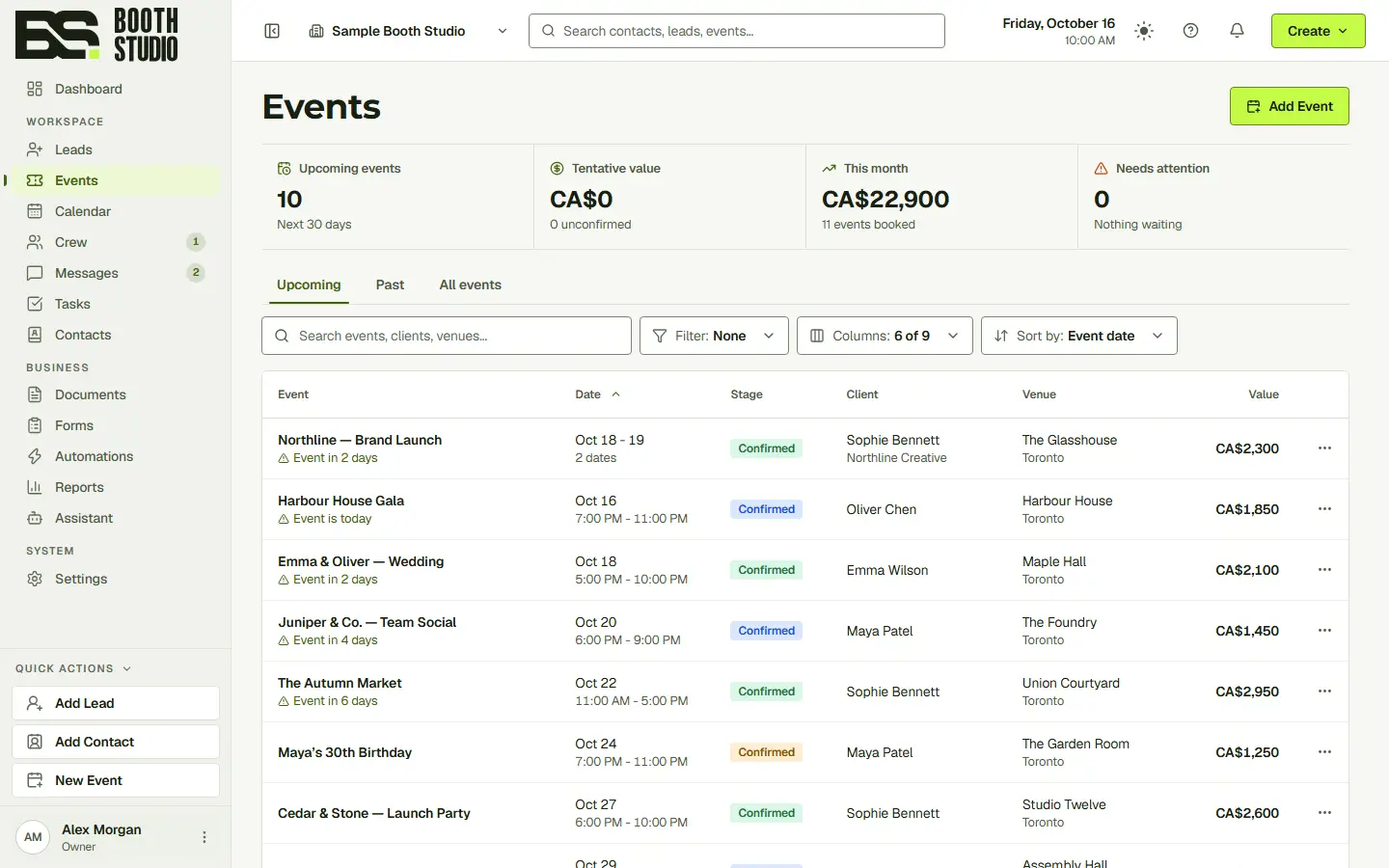
Playing Crew in 6s
Sophie accepted. Northline is booked.
The venue contact, crew arrival and service times all matter on the day. Record them with the booking, including downtime when service stops for dinner or between sessions.
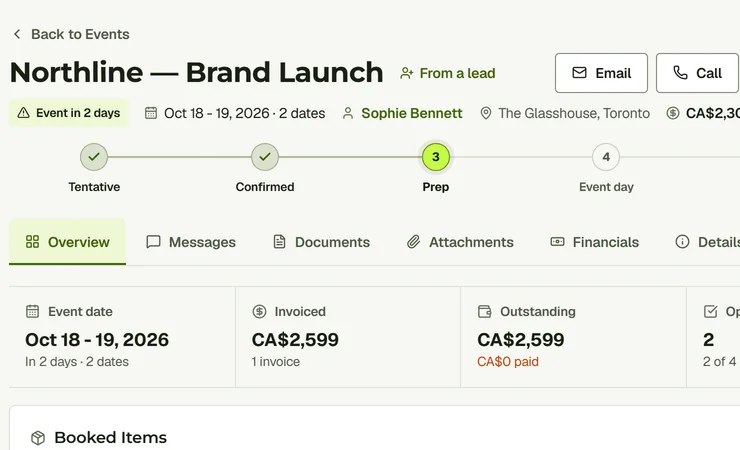
Give each event day its own run times. Add a break between sessions and keep the run sheet with the booking so the team can see when service stops and resumes.
Record the client and venue contacts, then add the crew working the event. Keep the people responsible for the job beside its schedule and booked items.
Review income and expenses in Financials. Include crew pay, travel time and consumables such as ink and paper when assessing what the event earned.
Yes. You can plan multiple event days within the same booking.
Yes. Use separate run-time sessions to show a break and when service resumes.
Yes. The event’s financial view brings income and costs together, including crew and other expenses you enter.
Start with the full CRM. Choose the seats, storage and communication allowances your team needs.