
Edit the content and layout
Arrange the information in the visual builder and write the details for the booking. Use the client preview to check the finished document.
Create proposals, contracts and invoices in the document builder. Edit the content, check the client preview and collect electronic signatures without moving the paperwork out of your CRM.
Documents
Start from a design, fill it with Sophie's details and the quote, make it your own in the builder, then finalize it. The proposal lands on the lead.
Explore documents & e-signature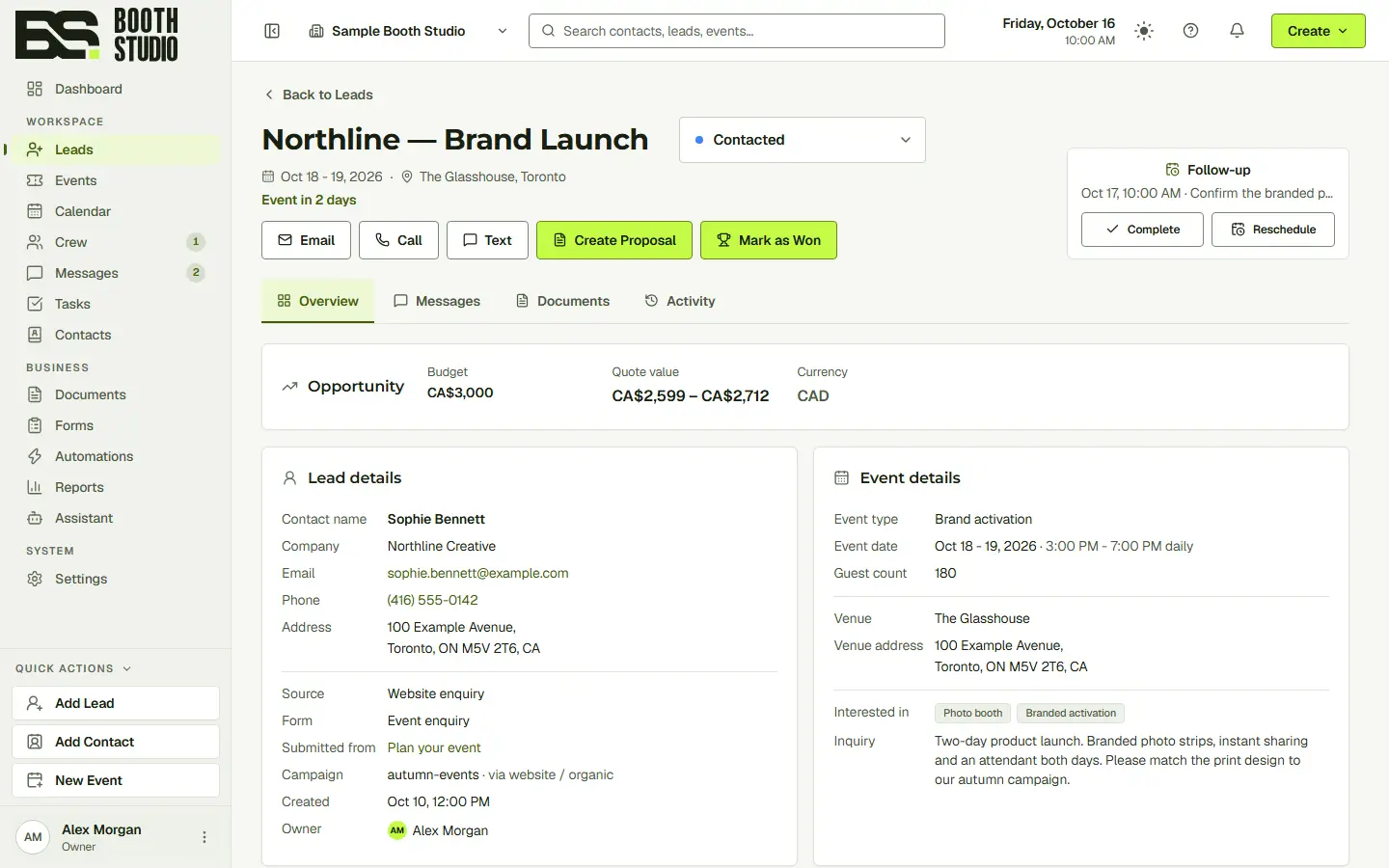
Start from Northline's quote.
Use the document builder to explain the services, pricing and terms. Preview the result as your client will see it before sharing the document.
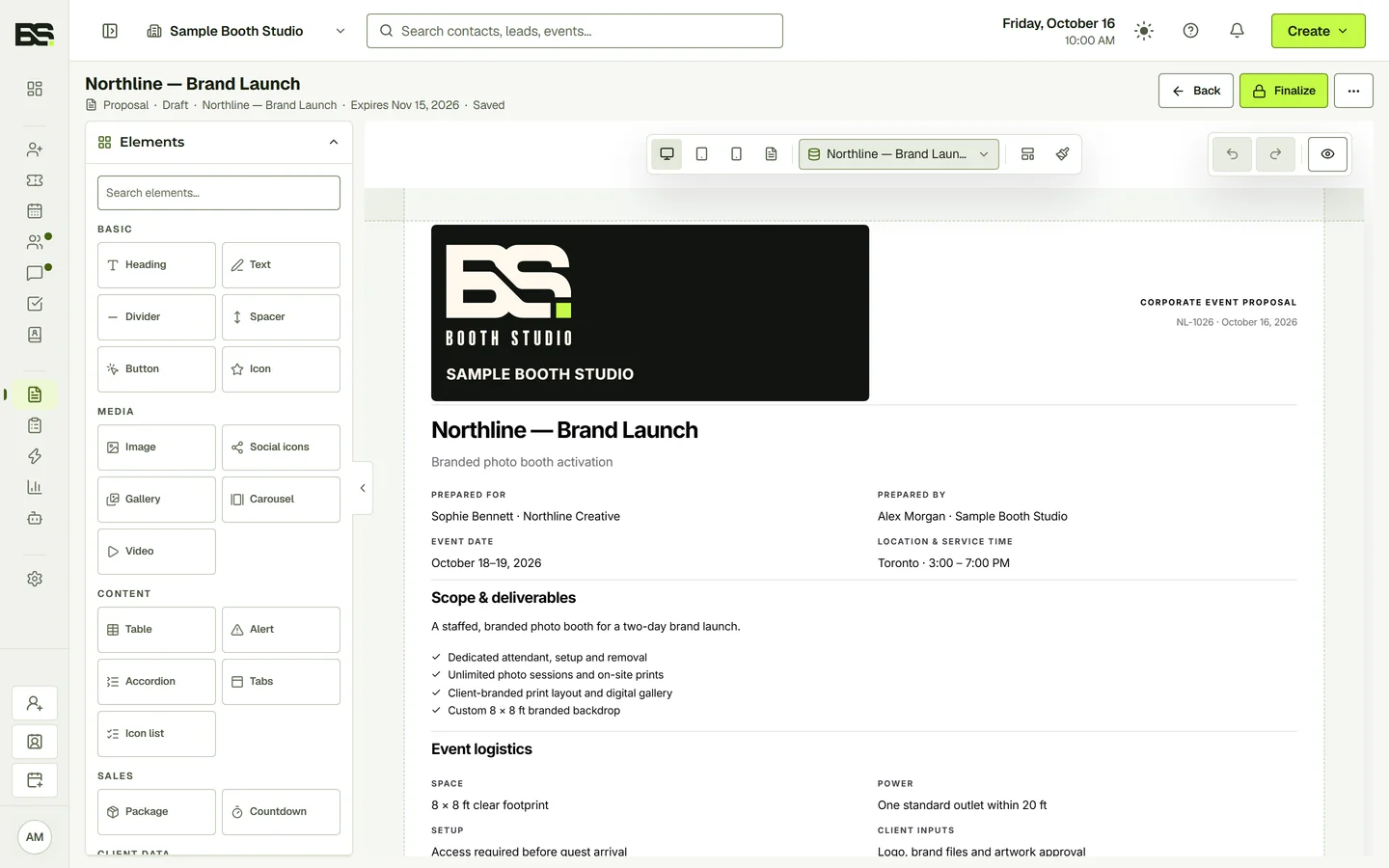
Arrange the information in the visual builder and write the details for the booking. Use the client preview to check the finished document.
Use proposals and contracts to communicate the scope of the booking. Electronic signatures are included in every CRM plan.
Create invoices alongside your client and event records, so your team can find the paperwork behind the booking.
Yes. Documents and e-signature are included in every plan.
Yes. Use the client preview to review the document before sharing it.
Yes. Documents are part of the same workspace as your contacts, leads and events.
Start with the full CRM. Choose the seats, storage and communication allowances your team needs.